Lighthouse never touches your page
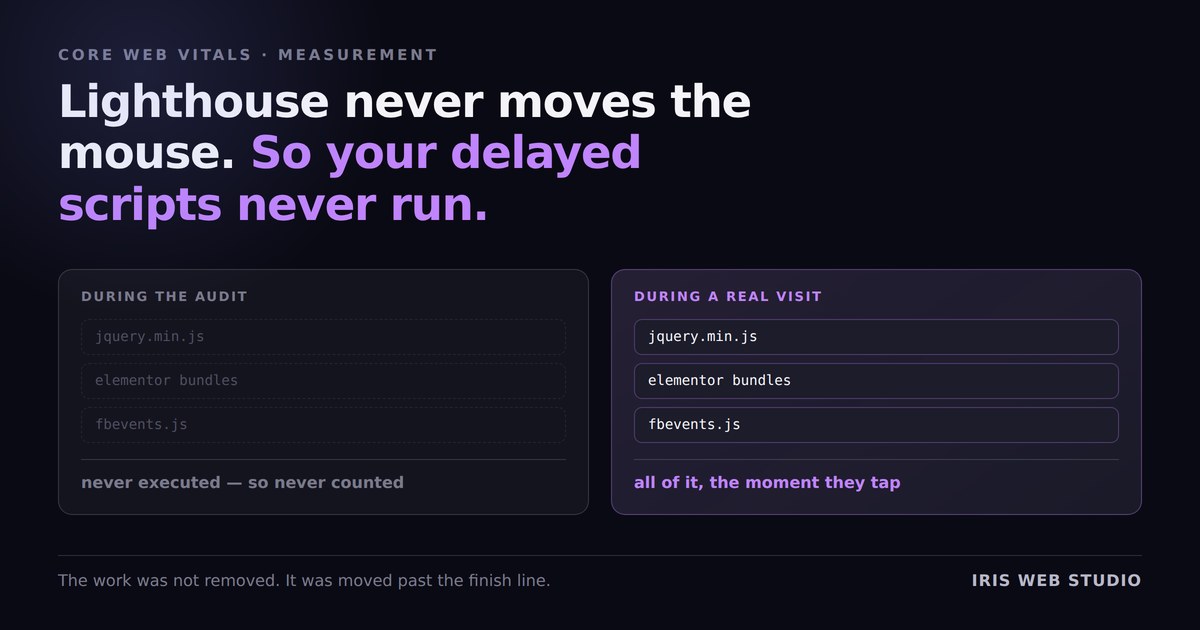
Everyone optimising a WordPress site eventually finds the same trick. Switch on Delay JavaScript, add everything to the list, run PageSpeed again, and the score jumps twenty points. It feels like you have found the cheat code.
You have. That is the problem.
The audit never does any of the things that start your scripts
“Delay JavaScript” holds a script until the visitor interacts — a mousemove, a keypress, a tap, a scroll, a click.
Lighthouse does none of those. It loads the page, waits, measures, and stops. It has no mouse. It never scrolls. So a delayed script is not measured as fast — it is not measured at all. It never executes during the run.
Which means the number you are celebrating describes a version of your page that no human being ever receives: the one where the JavaScript simply does not exist.
What is real, and what is theatre
This does not make delaying scripts pointless. Some of the gain is genuine, and it is worth knowing which part.
- First Contentful Paint
- Largest Contentful Paint
- Main thread free while the page paints
The visitor genuinely sees content sooner. This is the point of the feature.
- Total Blocking Time
- Time to Interactive
- The headline score itself
The work was not removed. It was moved to a moment the audit never reaches.
A visitor who taps as soon as the page appears still pays the whole JavaScript cost — later, and all at once, while they are actively trying to do something. That can feel worse than paying it up front, because now the delay lands on an interaction instead of on a load.
Three habits that keep you honest
- Take the median of three runs, per device. On one real site I measured, three consecutive mobile runs on an unchanged page returned 83, 60 and 77. Report a single run and you are reporting weather. The median costs four extra minutes and stops you from billing a client for noise.
- Measure logged out. Most caching plugins skip optimisation entirely for logged-in users, so an admin session sees a page that is not the one visitors get. A private window is enough.
- Check the field data, not just the lab. PageSpeed Insights shows real-user data from the Chrome UX Report above the lab score, when there is enough traffic to report. Those numbers come from people who actually touched the page. If the lab score moves and the field data does not, you optimised the test.
So what should you actually delay?
The rule that survives all of this: delay things because a visitor genuinely does not need them in the first second, not because delaying them moves a number.
Chat widgets, review carousels, social embeds, heatmap recorders — nobody needs those before they have read a sentence. Delay them, and the gain is real.
Anything that renders what the visitor sees first, or that measures the visit, is a different matter. I have written separately about what delaying your tracking pixel does to your ad reporting, and about why Safe Mode means you are probably not delaying what you think you are.
A score is a proxy. It is a good proxy right up until you start optimising the proxy instead of the thing it stands for.